OldMeme
Meme Generator
Create polished memes in seconds from 1000+ templates or your own image. Add layered captions, outlines, shadows, filters, and download clean PNG or GIF exports with no signup.
Fast enough for the moment
Search a format, add text, export, and post before the joke gets cold.
Closer to a real editor
Layer controls, locks, visibility, filters, outlines, shadows, history, and local projects.
Private by default
Uploads are edited in-browser. Saved work stays in local storage unless you export it.
Most used
Trending Meme Templates
Click any template to start editing instantly — no signup needed.
Premium without friction
Built for the full meme workflow
OldMeme is more than a template grid. It is a lightweight studio for quick jokes, campaign reactions, group-chat posts, community announcements, and anything that needs clean text on a familiar image fast.
Search templates or upload your own image.
Add layers, outlines, shadows, filters, and AI caption ideas.
Undo, duplicate, reorder, lock, and save projects locally.
Download clean PNGs or animated GIFs with no watermark.
Live from Reddit
Trending Memes from Reddit
Click any meme to remix it instantly in the editor
Memes sourced from Reddit via meme-api.com. Content belongs to original authors. Remix for personal/creative use only.
Getting started
Create a Meme in 4 Simple Steps
Choose Your Image
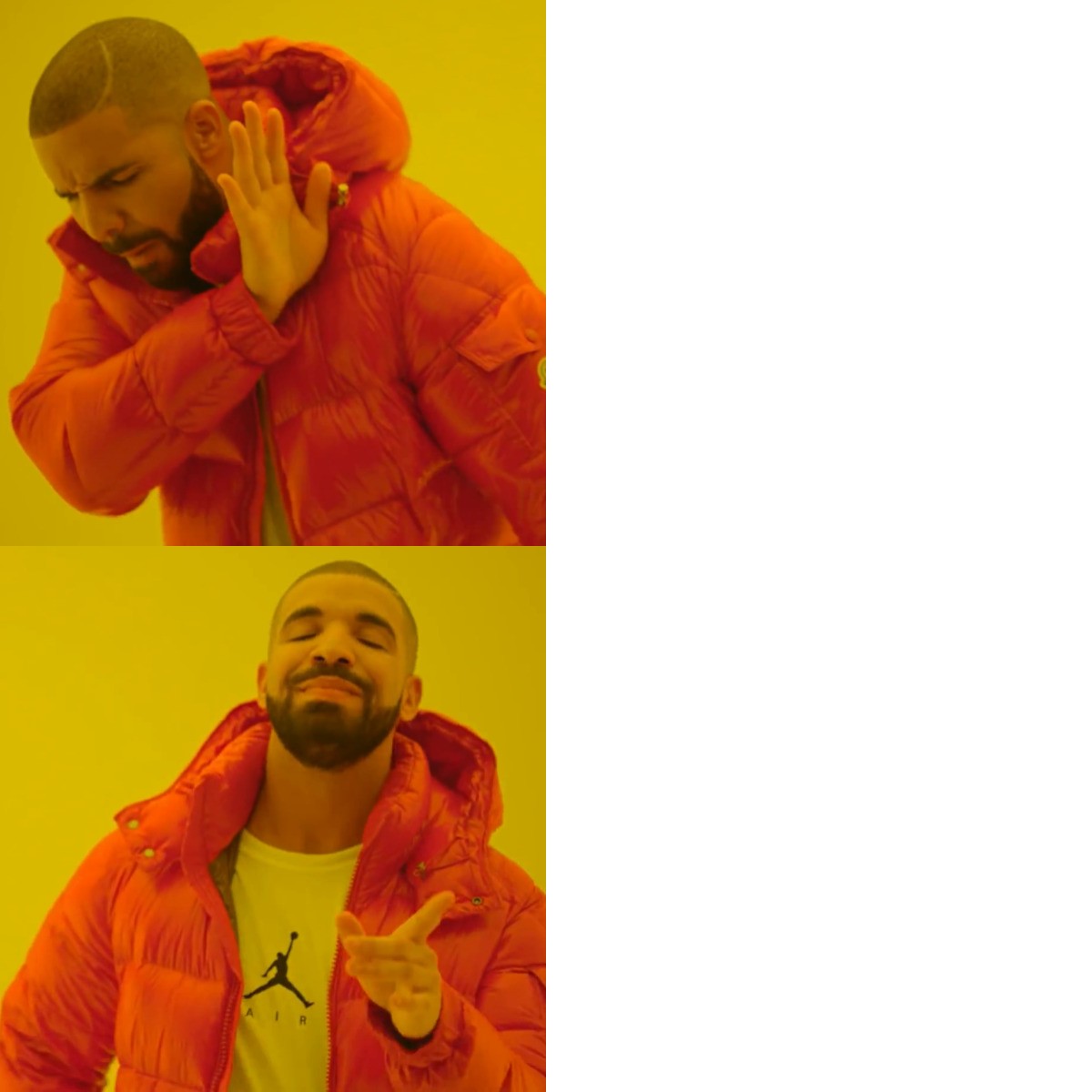
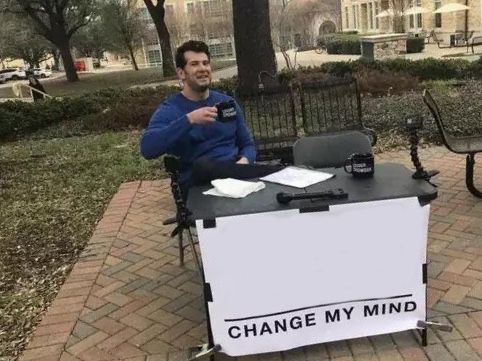
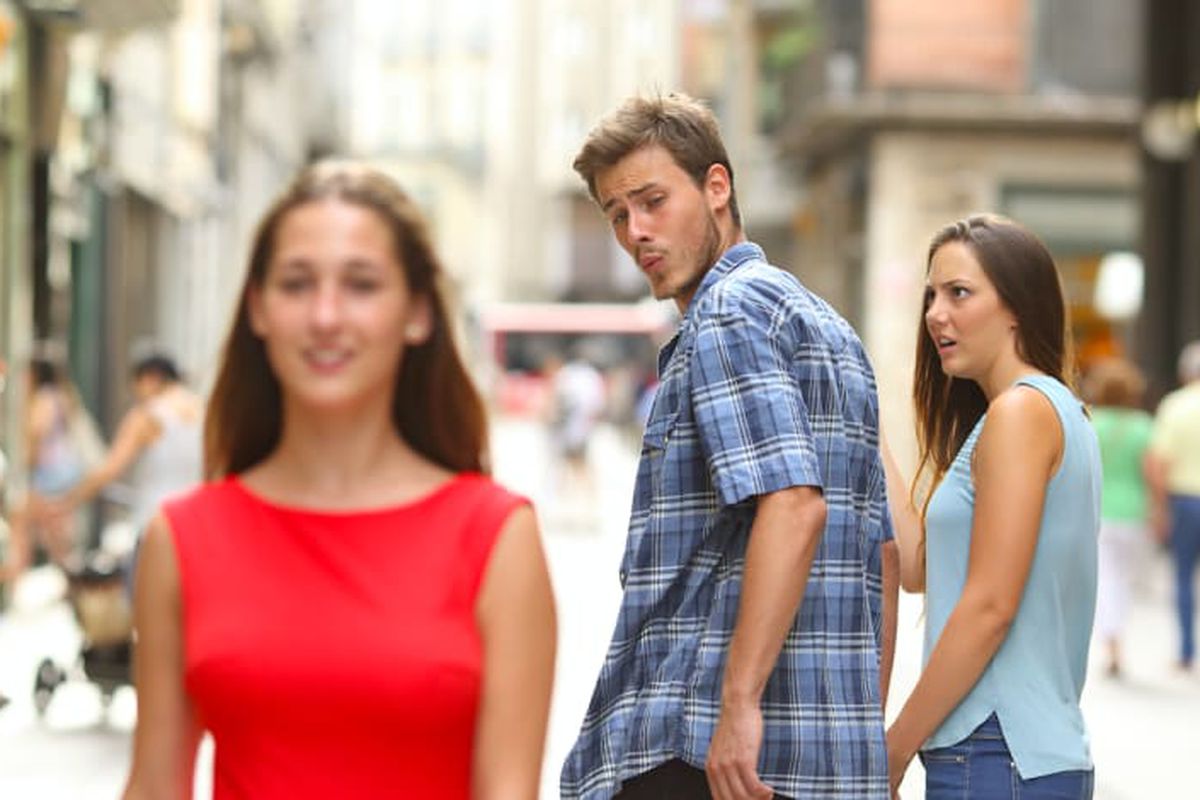
Pick from 1000+ templates (Drake, Change My Mind, Distracted Boyfriend…) or upload your own photo.
Add Your Text
Add multiple text layers, place them anywhere, and switch between Impact, Anton, Bebas Neue, Comic Sans and more.
Style It
Adjust colors, outlines, shadows, and image filters — brightness, contrast, saturation, sepia, grayscale.
Download Free
Export a high-quality HD PNG instantly. No watermark, no account required, ever.
Packed with power
Everything You Need to Make Great Memes
Multi-layer text
Add unlimited text layers. Reorder, lock, hide, and delete — just like a pro design app.
Fonts & alignment
12 fonts including Impact, Anton, Bebas Neue, Comic Sans. Full left/center/right alignment.
Outlines & shadows
Crisp text outlines with adjustable width. Drop shadows with blur and offset controls.
Image filters
Dial in brightness, contrast, saturation, sepia, and grayscale on any image.
AI caption ideas
Stuck? Use the optional AI caption helper to spark funny caption ideas for your meme.
Privacy-first
Uploaded images stay in your browser. Projects live in local storage unless you export or share them.
Save projects locally
Projects are saved in your browser. No login, no cloud — your data stays yours.
HD download + clipboard
One-click HD PNG export with no watermark. Copy-to-clipboard for instant sharing.
Share anywhere
After downloading, share on Reddit, Twitter/X, Instagram, Discord, or WhatsApp in seconds.
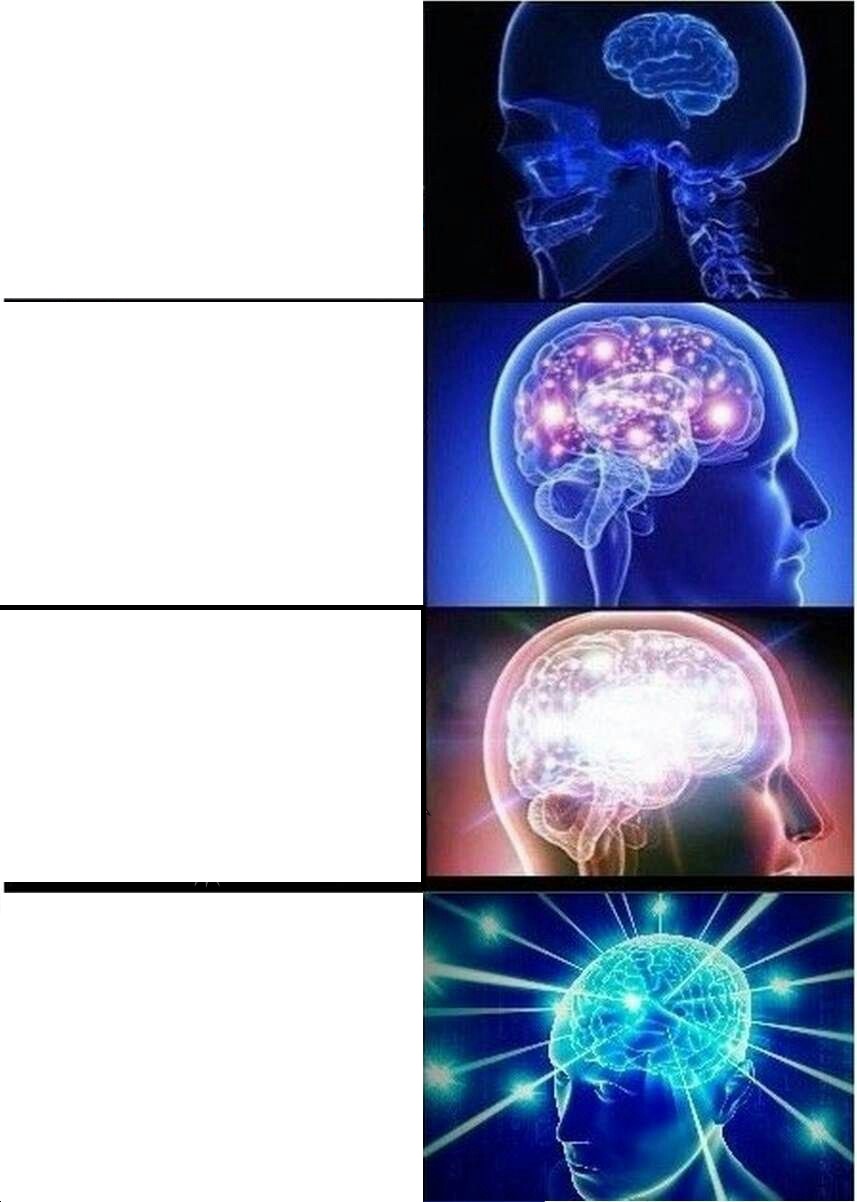
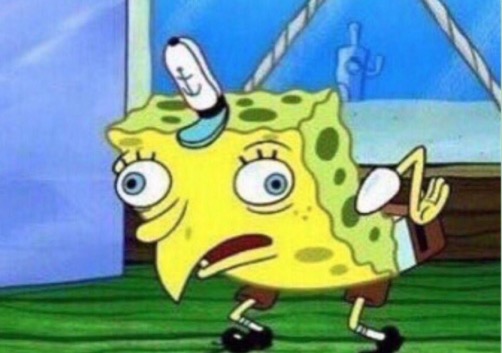
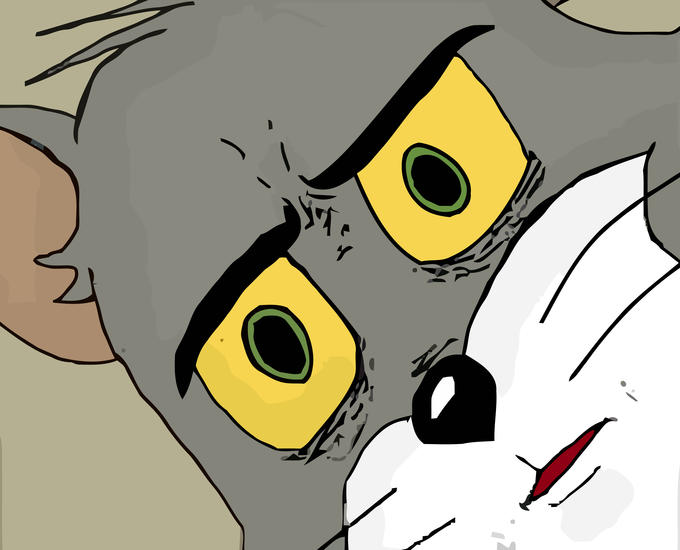
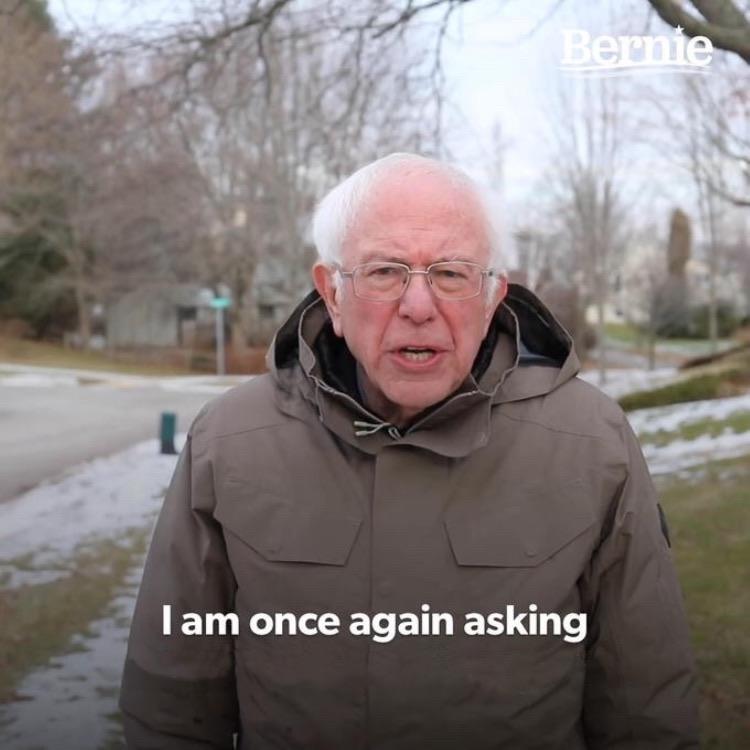
Popular searches include Drake meme generator, Change My Mind meme generator, Always Has Been meme generator, Distracted Boyfriend meme generator, Expanding Brain meme generator, Is This a Pigeon meme generator, SpongeBob meme generator, Bernie Sanders meme generator, Speech Bubble meme generator, Brat meme generator. All templates come from the Templates page, sourced from Imgflip and Memegen.link.
Share Your Memes
After downloading, share anywhere — Reddit, Twitter/X, Instagram, Discord, WhatsApp. Use the Copy to Clipboard button in the editor to paste directly into social media. Our no-watermark downloads look clean everywhere.
Got questions?
Frequently Asked Questions
Is this meme generator free?
Yes — completely free, no signup required, and no watermark on downloads. Ever.
Can I upload my own picture?
Yes. Upload any JPG, PNG, or WEBP image and style it with text, outlines, shadows, and filters.
Do you offer an AI meme generator?
Yes — there's an optional AI caption helper that suggests funny captions to kick-start your creativity.
Where do templates come from?
From public APIs — Imgflip and Memegen.link. We don't claim ownership of template images. Please respect copyright and fair use.
Does it add a watermark?
No. Downloads are clean HD PNGs with zero watermark.
Do you support GIFs?
Yes. Animated GIF templates can be previewed in the editor and exported with your text composited onto the animation.
Can I save my work?
Yes — use the Projects button in the editor to save to your browser's local storage. Your data never leaves your device.
What fonts are available?
Impact, Anton, Bebas Neue, Oswald, Arial, Comic Sans MS, Georgia, Verdana, Courier New, Tahoma, Trebuchet MS, and Times New Roman.
Does it work on mobile?
Yes — the editor supports touch drag for repositioning text, and the templates page is fully responsive.